From dev-how.sbne.me
Projector switch on
Ensure that all projectors are switched on.
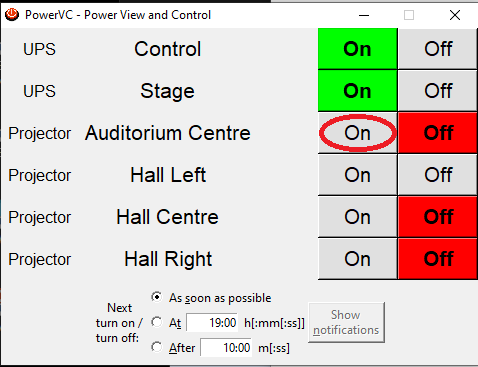
1. Launch PowerVC application which allows for remote control of some of the projectors from the taskbar (circled red below) or from Desktop shortcut

2. Select “On” for all projectors
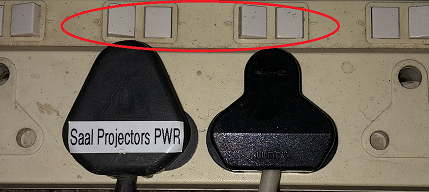
3. For Auditorium side projectors and stage screen, ensure that power is on. In corner electrical distribution board on the gallery, ensure that plugs marked are switched on at the multiplug.
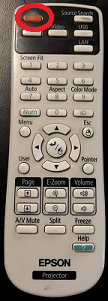
4. Use Epsom Projector remote, located next to Propresenter screen, and switch on Auditorium side screen projectors.